Found that it wasn’t fully deleted. Found it in the database and then realised there was a Trash area within the plugin.
Once it was deleted from the Trash, I was able to add the export.
I don’t really agree with the UX though – it would be much better if it replaced the existing field groups, or at least moved a copy to trash when it did so.
I’ve already done that. I still get the same message.
Yeah I know, how can I get around that? I just want to update the field groups as I made some changes and it would be a real pain to do it manually.
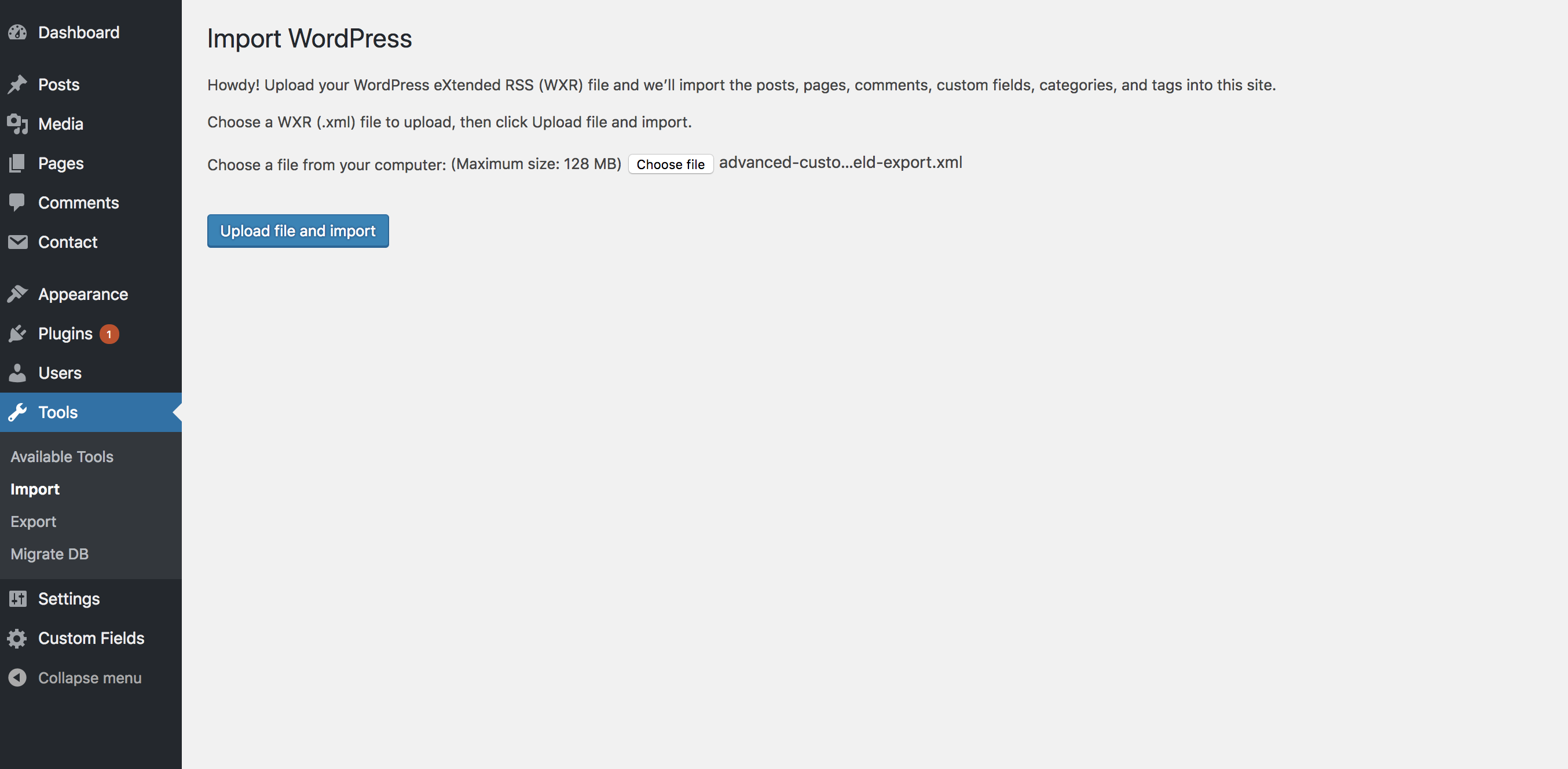
Below are the steps I took in the screenshots attached:
1. Export the Contact data as XML on the Local site
2. Use the WP Importer to import it into the Live site to replace anything that already exists
3. Press the Submit button
4. This is when I see the “Advanced Custom Fields “Contact” already exists” message.
Even if I delete everything in Contact, I still see this message.