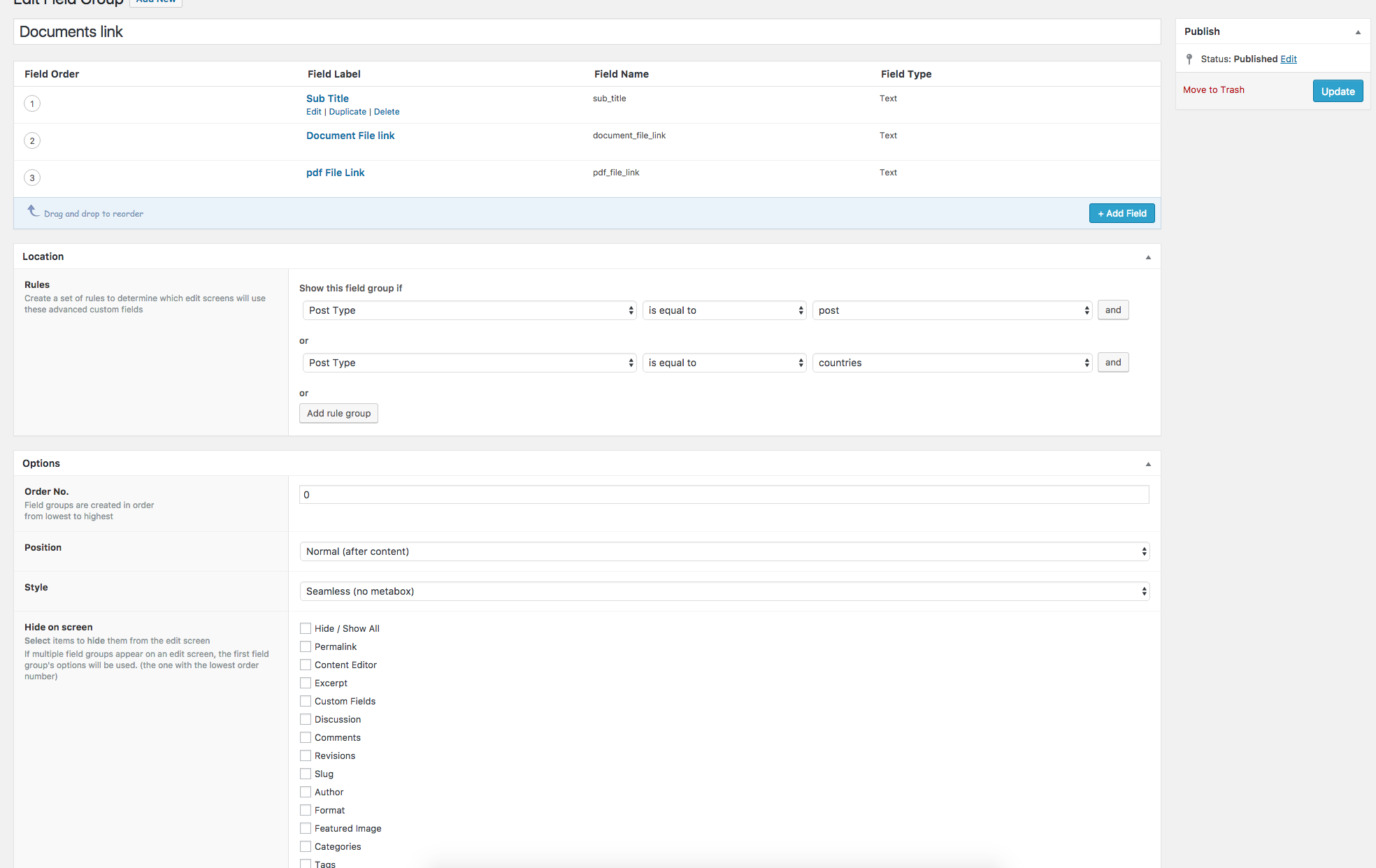
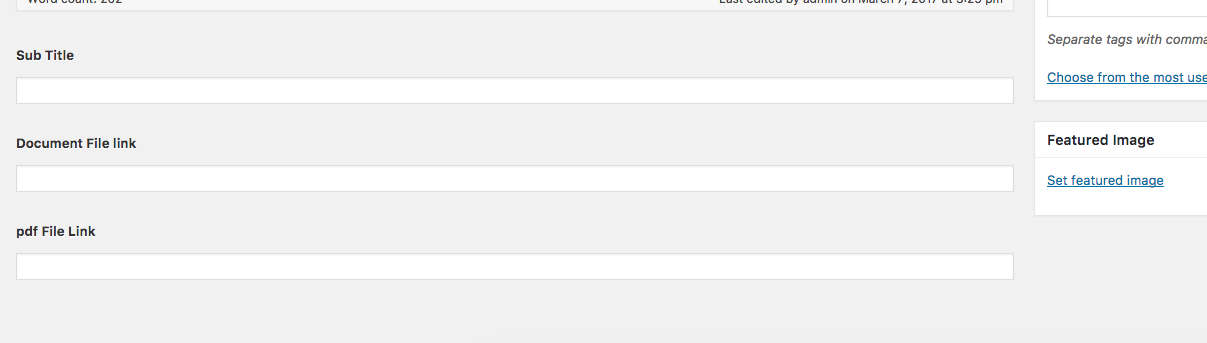
Hi i have a small issue please help!! i created my custom field for my users to download a pdf or word document. i went ahead and created all the fields in custom field and added this code to my single.php
<div class="pdf-section pull-left">
<span class="pdf-text">Also download </span>
<a href="<?php echo get_field('pdf_file_link'); ?>"><img src="<?php echo esc_url( get_template_directory_uri() ); ?>/images/pdf.png" alt="pdf" class="pull-right"></a>
<a href="<?php echo get_field('document_file_link'); ?>"><img src="<?php echo esc_url( get_template_directory_uri() ); ?>/images/ol.png" alt="outlook" class="pull-right"></a>
</div><!--./pdf section-->
<?php endwhile; ?>
</div>
but when i went to go add new post am not seeing the field i created. am not sure what steps am missing
my main goal is to show this on every post i create
<div class="pdf-section pull-left">
<span class="pdf-text">Also download </span>
<a href="<?php echo get_field('pdf_file_link'); ?>"><img src="<?php echo esc_url( get_template_directory_uri() ); ?>/images/pdf.png" alt="pdf" class="pull-right"></a>
<a href="<?php echo get_field('document_file_link'); ?>"><img src="<?php echo esc_url( get_template_directory_uri() ); ?>/images/ol.png" alt="outlook" class="pull-right"></a>
</div><!--./pdf section-->
<?php endwhile; ?>
</div>
I’m a little confused by some of your explanation.
Are you seeing the fields when you edit a “post” or a “countries” post in the admin?
Where in single.php did you add the code?